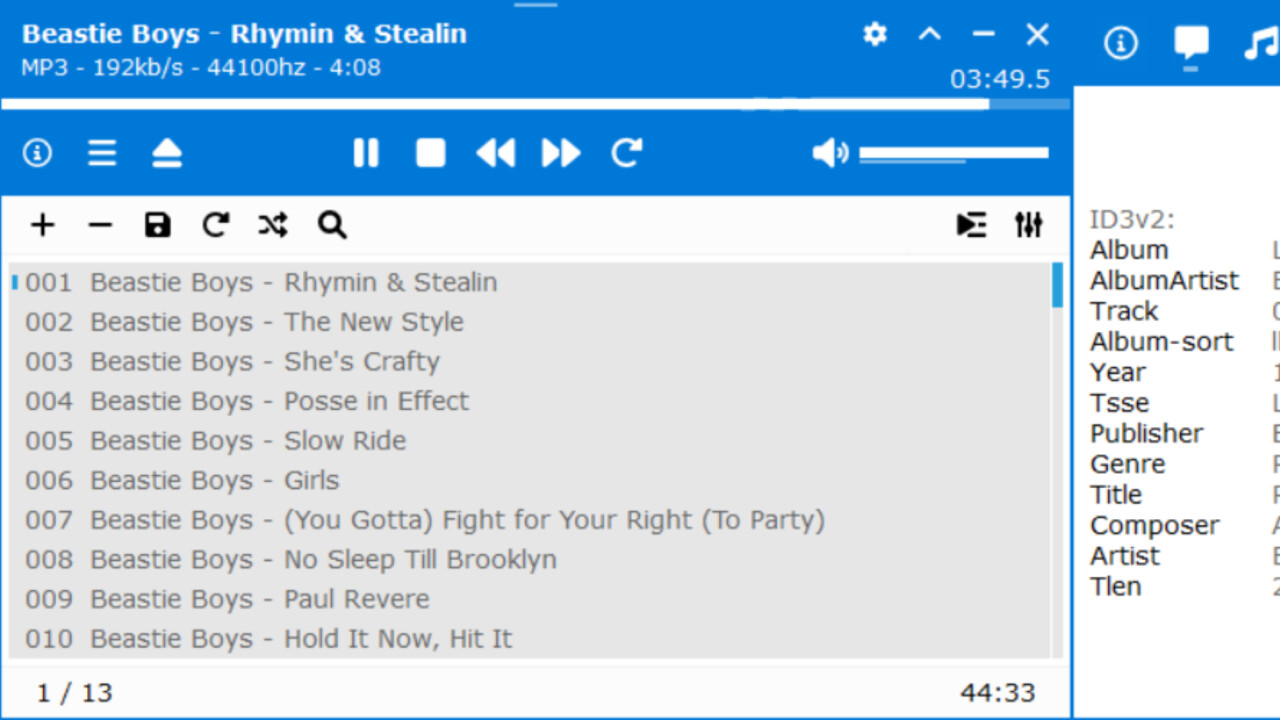
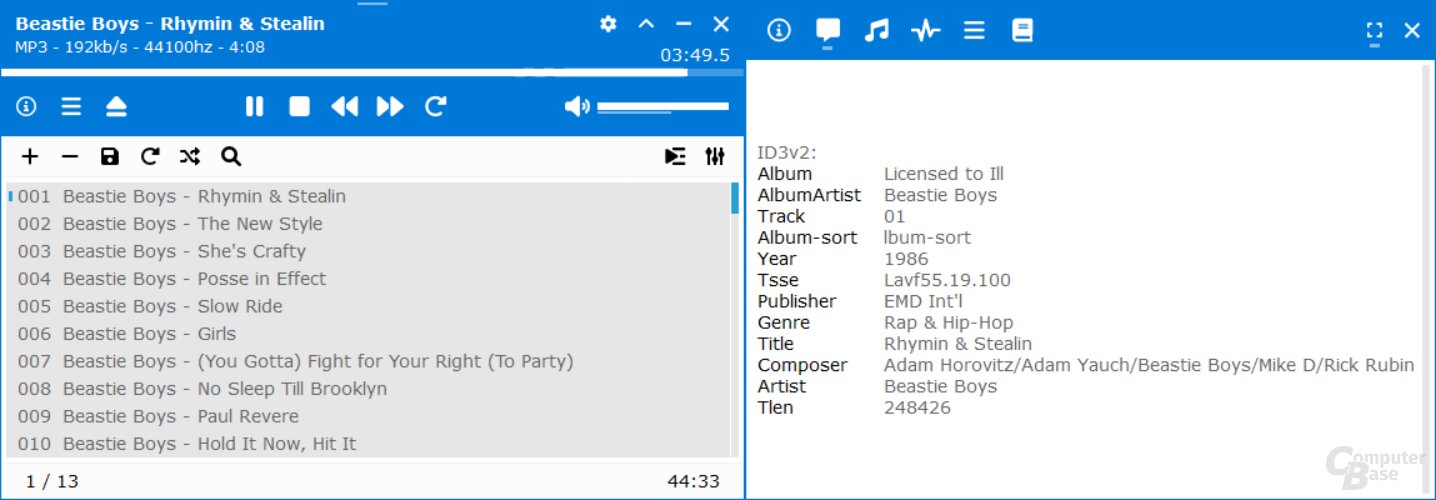
Der kostenfreie und gleichzeitig leichtgewichtige Audio-Player XMPlay ist für Windows in einer aktualisierten Version mit umfangreichen Änderungen erschienen. Das Update auf Version 4.0 umfasst neben der wesentlichen Neuerung eines geänderten Default-Skins noch weitere markante Änderungen.
Als weitere Neuerungen in XMPlay 4.0 nennen die Entwickler eine WMA- und AC3-Unterstützung über Media Foundation, den Support für mehrere Titel in MP4-Dateien und für 64-Bit-WAV- und AIFF-Dateien sowie eine Unterstützung von GZIP-Archiven.
Darüber hinaus wurden mit der Aktualisierung der Software viele weitere Neuerungen, Optimierungen und Fehlerkorrekturen umgesetzt. Genaue Auskunft über die Anpassungen können Nutzer in den offiziellen Release Notes nachlesen.
New in this version:
New default skin (old skin is downloadable)
Skin hue and light adjustment
Anto-mini mode can be enabled/disabled for all skins, with adjustable timeout
WMA and AC3 support via Media Foundation (old WMA plugin is downloadable)
Support for multiple tracks in MP4 files
Support for 64-bit WAV and AIFF files
GZIP archive support
Support for #EXT-X-MEDIA tags in HLS master playlists
Support for event message (emsg) metadata in fMP4 HLS streams
Taskbar playback control buttons
Adjustable seeking time step
Old tracks can be faded-out over new tracks
A gap can be inserted between tracks
Crossfade/fade-out/gap track transitions can apply to subsongs too
Option to disable preloading the next track when not crossfading
Balance control added to DSP options
The monitor can be kept awake during playback (for monitor speakers)
Tracks can be sent to other apps/tools
Filename and full path playlist column options
Queue display option in extended playlist
Shortcut/menu option to move selected tracks to the bottom of the playlist
Shortcut/menu option to crop the playlist/library (remove unselected)
Shortcut to play a random track from the library
Track last play time is when playback ended (not started)
Library average play count changed from per-month to per-year
Abbreviated option for library "size" column
Adjustable nested playlist reading limit
File deletion can be disabled or require confirmation, optionally to the recycle bin
Improved drag'n'drop support for moving tracks within XMPlay and to other apps
Improved edge snapping for skins with padding
Main and info windows can be snapped together
Main window can be moved together with the info window
Info window can be hidden when XMPlay is inactive
Channel/bpm/speed info in MOD pattern display (replaces time display option)
The documentation is now online, with context-sensitive help button in options window
"Input plugins" options renamed "Decoders" and includes built-in decoders
New "Version" options page showing the version of XMPlay and installed plugins
Warning shown when assigning a shortcut to the same key as another one
Per-user config enabled by default when installed in Program Files
%USERPROFILE% used in playlists/library for tracks in the user profile path
Downloaded files can be cached in temporary internet files folder
History (URL/folder/search/playlist) saving can be disabled
Default playlist (XMPLAY.PLS) saving can be disabled
Info bubbles use same font size with all skins for consistency
Formerly sliding panels in skins now open/close with a click
Improved Wine compatibility for single/merged panel skins (inc. default)
Archive plugins that crash are disabled (with notice) and XMPlay continues running
Separate title formatting option for the playlist panel is removed
Skinning enhancements (see skinning kit)
XMPlay 4.0 – Release Notes
XMPlay – Oberfläche
Download auf ComputerBase
XMPlay 4.0 kann wie gewohnt direkt unterhalb dieser Meldung aus dem Download-Bereich von ComputerBase heruntergeladen werden.